
Key Takeaways
- Accessing Google Classroom requires a valid Google account, often provided by a UK school or local authority.
- Teachers, and pupils can log in via the Google Classroom website or mobile app using their specific credentials.
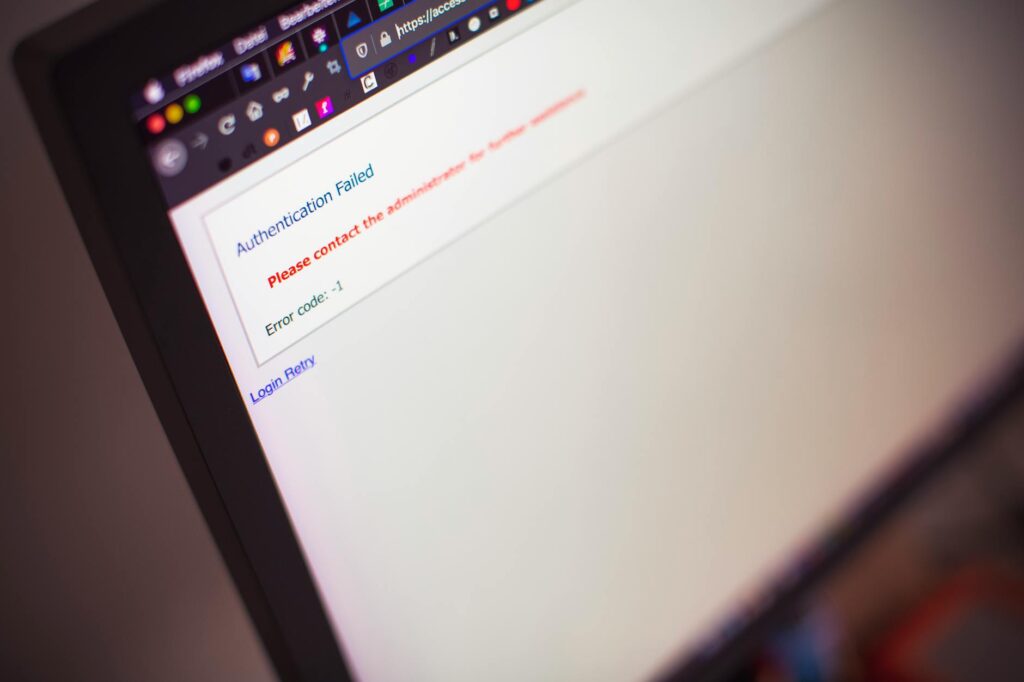
- Common log in issues often stem from incorrect credentials, browser cache problems, or network restrictions.
- Google Workspace for Education accounts are standard for UK schools, simplifying the login process through single sign-on.
Why Google Classroom Login Can Feel Tricky (And How to Fix It)
The first thing worth saying about the Google Classroom login process is that, for most UK educators and pupils, it’s designed to be incredibly simple. As of May 2026, Google Classroom remains a cornerstone of digital learning, offering a streamlined way to manage assignments, communication, and resources. However, like any online service, a hitch in your Google Classroom login can bring a lesson to a standstill. This guide is here to ensure your return to the virtual classroom is as smooth as possible, whether you’re a Year 7 teacher in Manchester or a Year 10 pupil in Cornwall.
A standard melamine board lasts 2–3 years; a porcelain board lasts 25 — for only 2x the price. This relates to how we manage our digital tools too; the initial setup might seem like a hurdle, but getting it right saves time and frustration down the line. Let’s break down the typical Google Classroom login journey and how to navigate it, ensuring you spend less time troubleshooting and more time teaching.
A common scenario we see is a Year 5 teacher in Birmingham, whose interactive whiteboard had stopped registering touch input. She had a science lesson in 20 minutes. While not directly a login issue, it highlights how critical immediate access to digital tools is. Similarly, a student locked out of Google Classroom might miss crucial instructions.
Understanding Your Google Classroom Account
At its core, Google Classroom is part of the Google Workspace for Education suite. This means your access is tied to a Google account. For UK schools, this is almost always a managed account provided by the school or a local authority. These accounts often have specific domain names, like @myschool.ac.uk, and are managed by the school’s IT department.
The primary advantage of a school-provided account is security and centralized management. It means your login credentials are specifically for educational purposes, reducing the risk of personal accounts interfering with schoolwork. If you’re a teacher setting up a new classroom, or a pupil joining a new year group, understanding who provides your account is the first step.
What If You Don’t Have a School-Provided Account?
While uncommon for primary and secondary schools in the UK, some adult education centers or professional development courses might use personal Google accounts. If this is the case, you’ll use your existing personal Gmail address and password. It’s crucial to distinguish between these two types of accounts to avoid login confusion.
Step-by-Step: How to Log In to Google Classroom
Logging into Google Classroom is a straightforward process, whether you’re using a desktop computer, laptop, or a mobile device. Here’s how it typically works for both teachers and pupils in the UK as of May 2026:
- Open your web browser: On your device, open a compatible web browser such as Chrome, Firefox, Safari, or Edge.
- Navigate to the Google Classroom homepage: Type ‘classroom.google.com’ into the address bar and press Enter. Alternatively, you can go to the main Google page and click the grid icon (nine dots) in the top right corner, then select the Classroom icon.
- Enter your credentials: You will be prompted to sign in with your Google account. This is where you’ll enter your school-issued email address (e.g., your.name@your-school.ac.uk) or your personal Gmail address if your institution allows it.
- Enter your password: Next, enter the password associated with your Google account. For school accounts, this is usually set by your school’s IT department.
- Access your classroom(s): Once successfully logged in, you will see a dashboard displaying any classes you are enrolled in or teaching. Click on a specific class to enter it.
For mobile access, download the Google Classroom app from the Apple App Store or Google Play Store. The login process within the app mirrors the web version.
Troubleshooting Common Google Classroom Login Issues
When your Google Classroom login isn’t working, it can be a source of significant frustration. Fortunately, most issues are resolvable with a few simple checks. As of May 2026, the most frequent problems UK educators and pupils encounter include:
Incorrect Username or Password
This is by far the most common reason for a failed login. Double-check that you’re entering the correct email address and password. Pay attention to case sensitivity. If you’re using a school account, confirm you have the right domain name. If you’ve forgotten your password, most school-managed accounts will require you to contact your IT support or headteacher for a reset.
Browser Cache and Cookies
Sometimes, old data stored in your browser can interfere with logging into websites. Clearing your browser’s cache and cookies can resolve this. In Chrome, for example, you can go to Settings > Privacy and security > Clear browsing data. Select ‘Cookies and other site data’ and ‘Cached images and files’ and then click ‘Clear data’.
Network or Firewall Restrictions
Some school networks or firewalls may have restrictions that prevent access to certain Google services. If you’re trying to log in from school and it’s not working, it might be a network issue. Trying from a different network (like home Wi-Fi) can help diagnose this. If the problem persists at school, report it to your IT department.
Outdated Browser or App Version
Ensure your web browser or the Google Classroom mobile app is updated to the latest version. Outdated software can sometimes cause compatibility issues. Regularly update your apps and browser to avoid these problems.
Account Issues (School-Managed)
If you suspect the issue is with your school account itself (e.g., it’s been deactivated or has incorrect permissions), you’ll need to contact your school’s IT administrator or the relevant support team. They have the tools to check your account status and make necessary adjustments.
Google Workspace for Education Accounts: The UK Standard
For most UK primary and secondary schools, using Google Workspace for Education (formerly G Suite for Education) is the standard. This suite of tools includes Gmail, Drive, Docs, and, of course, Classroom, all accessible through a single Google account provided by the school. This integrated approach simplifies the login process considerably.
When your school uses Google Workspace for Education, you might benefit from Single Sign-On (SSO). This means logging into one Google service (like Gmail) might automatically log you into others, including Google Classroom, without needing to enter your credentials again. It’s a real time-saver, especially for younger pupils.
The Department for Education (DfE) actively encourages the adoption of digital tools to enhance learning, and Google Workspace for Education is a popular choice for many schools aiming to meet these objectives. According to Ousted’s guidance on digital education, smooth access to learning platforms is a key indicator of effective technology integration.
A large Multi-Academy Trust (MAT) in the North West of England recently standardized on Google Workspace for Education across all its secondary schools. This meant all Year 7 pupils and staff received a uniform school-managed Google account, streamlining the login experience from day one and simplifying IT support by having one primary system to manage.
Tips for a smooth Google Classroom Login Experience
Beyond the basic login steps and troubleshooting, a few proactive tips can ensure your Google Classroom experience is consistently smooth:
- Bookmark the Classroom Page: Save classroom.google.com to your browser’s bookmarks for quick access.
- Use Chrome (Recommended): Google Chrome is optimized for Google services and generally provides the most reliable experience.
- Keep Login Details Secure: Never share your school account password. If you suspect it’s compromised, report it to your IT department immediately.
- Check Your Internet Connection: A stable internet connection is fundamental. Poor connectivity will inevitably lead to login failures or slow performance.
- Understand Your School’s Policy: Familiarize yourself with your school’s IT policy regarding device usage and account management.
Login vs. Sign Up: What’s the Difference?
It’s important to clarify the difference between logging in and signing up. For most users in UK schools, you won’t be signing up for Google Classroom itself; you’ll be logging in using an account provided by your institution. Signing up is typically for creating a brand-new Google account, which is usually done by the google classroom login department for school-managed accounts.
If you are using a personal Google account for a specific course or educational purpose, you would have already completed the sign-up process for that personal Google account. The Google Classroom login process simply uses those existing credentials.
FAQ: Your Google Classroom Login Questions Answered
What is the correct website for Google Classroom login?
The official website for Google Classroom login is classroom.google.com. You can also access it via the main Google homepage by clicking the nine-dot grid icon and selecting Classroom.
Can I use my personal Gmail to log in?
Yes, you can use a personal Gmail account if your teacher or school allows it for specific courses. However, most UK schools provide managed Google Workspace for Education accounts for a more integrated experience.
What should I do if I forgot my Google Classroom password?
For school-managed accounts, you typically need to contact your school’s IT support or administrator to reset your password. For personal Gmail accounts, use the ‘Forgot password?’ link on the Google sign-in page.
Is there a Google Classroom app for mobile devices?
Yes, there are dedicated Google Classroom apps available for both Android and iOS devices. You can download them from the Google Play Store and Apple App Store respectively.
What if my Google Classroom login is not working?
Check your internet connection, ensure you’re using the correct email and password, and try clearing your browser’s cache and cookies. If issues persist, contact your school’s IT department for assistance.
How do I log into multiple Google Classrooms?
Once you are logged into Google Classroom with your account, your dashboard will display all classes you are enrolled in. Simply click on the card for each class you wish to access.
Can I log in to Google Classroom on more than one device?
Yes, you can log in to Google Classroom on multiple devices simultaneously using the same Google account credentials. Your progress and settings are synced across all devices.
Last reviewed: May 2026. Information current as of publication; pricing and product details may change.
Related Articles
- Bruno Mars' Financial Juggling Act: Updated 2026
- Villarreal CF vs Real Oviedo Player Ratings 2026: Tactical Analysis
- Classroom Management Strategies for 2026
Editorial Note: This article was researched and written by the Class Room Center editorial team. We fact-check our content and update it regularly. For questions or corrections, contact us.
Frequently Asked Questions
What is google classroom login?
google classroom login is a topic that many people search for. This article provides a thorough overview based on current information and expert analysis available in 2026.
Why does google classroom login matter?
Understanding google classroom login helps you make better decisions. Whether you’re a beginner or have some experience, staying informed on this topic is genuinely useful.
Where can I learn more about google classroom login?
We recommend checking authoritative sources and official websites for the most current information. This article is regularly updated to reflect new developments.


