
Contributing writer at Class Room Center.
- Table of Contents
- Why Smart Planning Tools Are Your Best Friend (and Sanity Saver)
- My Go-To Digital Teacher Planning Tools
- Digital Planners & Lesson Organizers
- Collaborative Platforms
- Assessment & Tracking Software
- NOTE: Data-Driven Planning
- Tried-and-True Analog Teacher Planning Tools
- The Classic Planner/Diary
- Whiteboards & Wall Planners
- EXPERT TIP: Color-Code Your Whiteboard!
- Sticky Notes & Index Cards
- Integrating Planning Tools into Your Daily Routine
- A Common Planning Pitfall I Learned to Avoid
- Choosing the Right Teacher Planning Tools for YOU
- Frequently Asked Questions About Teacher Planning Tools
- What are the most essential teacher planning tools for a new teacher?
- How can digital planning tools save teachers time?
- Are analog planning tools still relevant in a digital classroom?
- How often should I review and adjust my lesson plans?
- What’s a common mistake teachers make when using planning tools?
- Ready to Transform Your Planning?
The Teacher’s Toolkit: Essential Planning Tools I Swear By
Let’s be honest, teaching is a juggling act. Between lesson delivery, marking, assessments, and managing a lively classroom, planning often feels like another plate to spin. For years, I struggled with feeling overwhelmed, spending countless evenings trying to get ahead, only to feel behind again by Wednesday. It wasn’t until I truly mastered my approach to teacher planning tools that I found my rhythm.
After 15 years in primary education, I’ve refined my system, experimenting with everything from elaborate digital setups to the simplest pen-and-paper methods. What I’ve learned is this: the right planning tools don’t just organize your lessons; they give you back precious time, reduce stress, and ultimately make you a more effective and present teacher. I’m here to share the practical strategies and specific tools that have genuinely transformed my teaching life since I started in 2008.
Table of Contents
- Why Smart Planning Tools Are Your Best Friend (and Sanity Saver)
- My Go-To Digital Teacher Planning Tools
- Tried-and-True Analog Teacher Planning Tools
- Integrating Planning Tools into Your Daily Routine
- A Common Planning Pitfall I Learned to Avoid
- Choosing the Right Teacher Planning Tools for YOU
- Frequently Asked Questions About Teacher Planning Tools
- Ready to Transform Your Planning?
Why Smart Planning Tools Are Your Best Friend (and Sanity Saver)
I remember my first few years teaching (from 2008 to about 2011) as a blur of late nights and early mornings, often feeling like I was constantly chasing my tail. I’d spend hours writing detailed lesson plans, only for an assembly or an unexpected school event to throw everything off. It led to burnout and a feeling of being perpetually unprepared, despite working so hard. This is why investing time in understanding and using teacher planning tools is so important.
Effective planning isn’t just about knowing what you’re teaching; it’s about creating a roadmap that saves you time, reduces stress, and allows you to be more present and adaptable in the classroom. When you have a solid system in place, you free up mental energy for the actual teaching and for building relationships with your students. I’ve found that when my planning is organized, I’m calmer, more creative, and genuinely enjoy my job more. It’s truly a game-changer for professional longevity.
My Go-To Digital Teacher Planning Tools
In the last decade, digital teacher planning tools have become indispensable for me. They offer flexibility, easy sharing, and often, a way to keep everything updated without re-writing pages of notes.
Digital Planners & Lesson Organizers
From simple spreadsheets to dedicated apps, digital planners are fantastic for long-term and short-term organization. Since around 2015, I’ve heavily relied on these:
- Google Calendar: This is my absolute non-negotiable for mapping out the entire academic year. In 2020, during remote learning, I used it to schedule every lesson, meeting, and even my personal appointments. I color-code subjects, add recurring events, and drop in links to resources directly into the event descriptions. It’s incredibly powerful for visualizing your week and term.
- Trello/Microsoft Planner: For project-based learning or managing bigger units, I’ve found Kanban-style boards incredibly useful. I’d create boards for each half-term, with columns for ‘To Do,’ ‘In Progress,’ and ‘Done.’ Each card could be a lesson, a resource to create, or an assessment task. It helps break down big planning tasks into manageable chunks.
Collaborative Platforms
Teaching is rarely a solo act. Sharing and collaborating on plans saves immense time and ensures consistency across year groups.
- Google Drive/Microsoft Teams: From 2018 onwards, my school started using shared drives extensively. My Year 3 team and I would create shared folders for each subject, housing our weekly plans, resources, and assessment data. This meant anyone could access and contribute, ensuring we were all on the same page and could easily cover for each other. I remember one colleague was off sick for a week in 2022, and because all our plans were in a shared document, I could step in seamlessly.
Assessment & Tracking Software
While often school-mandated, understanding how to use your school’s Management Information System (MIS) or even simple spreadsheets effectively is a teacher planning tool in itself.
NOTE: Data-Driven Planning
Quick access to student progress data is crucial for effective planning. Whether it’s your school’s MIS or a simple Excel sheet you’ve created, knowing where your students are helps you tailor your lessons and interventions efficiently. I always review assessment data on a Friday afternoon before planning the next week.
Tried-and-True Analog Teacher Planning Tools
Even in a digital age, some analog teacher planning tools remain irreplaceable for me. There’s something about putting pen to paper that helps cement ideas.
The Classic Planner/Diary
Before digital planning took over, my academic diary was my lifeline. From 2008 to about 2015, I religiously filled out my weekly spreads, jotting down lesson objectives, key activities, and reminders. Even now, I keep a physical planner for quick notes, meeting agendas, and personal to-dos that I don’t want cluttering my digital calendar. It’s a great way to quickly sketch out ideas without getting distracted by a screen.
Whiteboards & Wall Planners
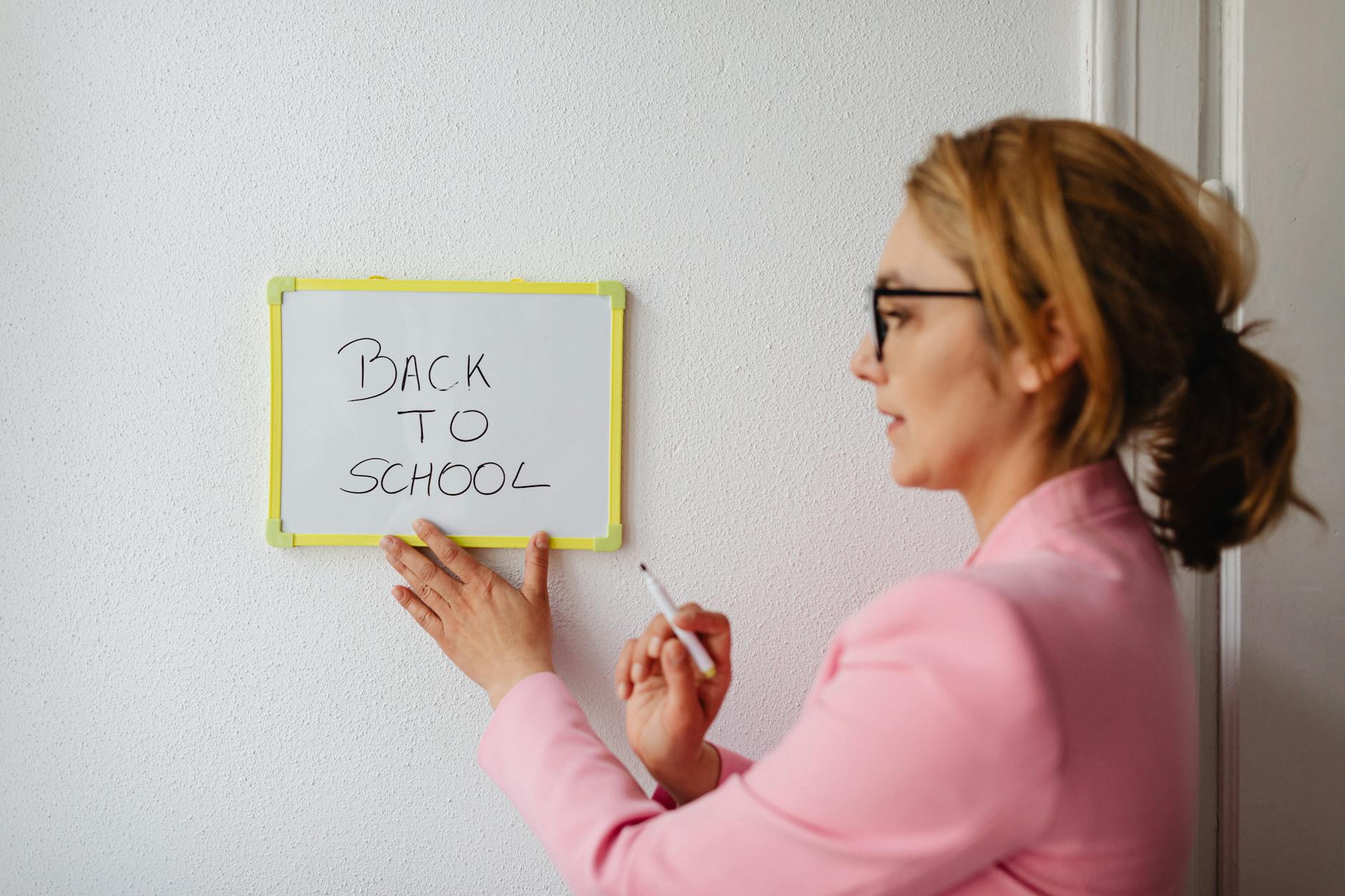
Visualizing the week or term on a large scale is incredibly helpful. In my classroom, I’ve always had a dedicated whiteboard for the weekly schedule. I’d write up the main subjects and activities for each day, making it visible for both me and the students. This helps everyone anticipate what’s coming next.
EXPERT TIP: Color-Code Your Whiteboard!
Enjoying this article?
Weekly teaching resources delivered free.
Since 2010, I’ve consistently used different colored markers for different subjects (e.g., red for Maths, blue for English, green for Science). This simple trick makes the schedule instantly scannable and helps both you and your students quickly grasp the flow of the day.
Sticky Notes & Index Cards
For brainstorming, quick adjustments, or temporary reminders, sticky notes are gold. I use them extensively when I’m mapping out a new unit of work or when I need to quickly re-shuffle activities due to an unexpected change. They’re flexible and allow for easy re-ordering without erasing or re-typing. I often use them to plan out small group activities, writing each group’s task on a separate card.
Integrating Planning Tools into Your Daily Routine
Having great teacher planning tools is one thing; using them effectively is another. Here’s how I make them work for me:
- Dedicated Planning Time: I always schedule 30-60 minutes at the end of Friday to review the past week and sketch out the next. I also dedicate an hour on Sunday evening to finalize plans. This consistency, which I’ve maintained since 2014, prevents me from feeling rushed.
- Review and Adapt: Plans are living documents. Every morning, I quickly review my plan for the day, and at the end of the day, I make notes on what worked, what didn’t, and what needs adjusting for tomorrow or next year. This reflective practice is key.
A Common Planning Pitfall I Learned to Avoid
One of the biggest mistakes I made early in my career (around 2017) was over-planning. I’d create incredibly detailed, minute-by-minute lesson plans, believing that more detail meant better teaching. The reality? Life in a classroom is unpredictable. A great discussion might run over, a concept might need more time, or a fire drill might throw your entire afternoon off. I learned that rigid plans often lead to frustration when they inevitably go off-script.
Now, I plan with flexibility in mind. I know my objectives, I have my core activities, but I also have backup tasks and an understanding that I might need to pivot. My plans are a guide, not a straitjacket. Embracing adaptability is one of the most valuable lessons my 15 years in the classroom have taught me about using teacher planning tools.
Choosing the Right Teacher Planning Tools for YOU
There’s no one-size-fits-all answer. The best teacher planning tools for you will depend on your personal style, your school’s requirements, and what feels most comfortable and efficient. My advice, based on years of observing colleagues and trying new things, is to:
- Experiment: Don’t be afraid to try different digital apps or analog methods. Give each a fair shot for a few weeks to see if it truly enhances your workflow.
- Combine: Often, a hybrid approach works best. I use digital for long-term mapping and collaboration, and analog for daily quick notes and brainstorming.
- Keep it Simple: The goal is to simplify your life, not complicate it. If a tool feels like more work than it saves, it’s not the right tool for you.
“Effective lesson planning is not simply about writing down what you will do in a lesson, but about thinking deeply about the learning process and how to best support student understanding.” – Education Endowment Foundation
Remember, your planning system should support your teaching, not dictate it. If you’re looking for more general organizational tips, check out my guide on My Must-Have Primary Teaching Resources for Every Classroom.
Frequently Asked Questions About Teacher Planning Tools
What are the most essential teacher planning tools for a new teacher?
For new teachers, I highly recommend a combination of a reliable digital calendar (like Google Calendar) for scheduling and a physical academic planner for daily notes and reflections. These foundational teacher planning tools provide structure without being overly complex, helping you establish a routine from day one.
How can digital planning tools save teachers time?
Digital planning tools save time through features like recurring events, easy duplication of lessons, quick editing, and instant sharing with colleagues. Instead of rewriting or re-copying, you can simply adjust and update, allowing you to focus more on content and less on administration. I’ve personally saved hours each week since integrating them into my workflow in 2015.
Are analog planning tools still relevant in a digital classroom?
Absolutely! Analog teacher planning tools like physical planners, whiteboards, and sticky notes offer tactile engagement and visual clarity that digital tools sometimes lack. They are excellent for brainstorming, quick adjustments, and keeping a visible, accessible overview without screen distractions. I still use them daily for certain tasks.
How often should I review and adjust my lesson plans?
Based on my 15 years of experience, I recommend reviewing your lesson plans daily for the immediate next day, and then doing a more thorough review weekly (e.g., Friday afternoon or Sunday evening) for the upcoming week. This allows for necessary adjustments based on student progress and unforeseen circumstances, keeping your planning dynamic and effective.
What’s a common mistake teachers make when using planning tools?
A common mistake is over-planning or being too rigid. While thorough planning is good, expecting every lesson to unfold exactly as written can lead to frustration. The best teacher planning tools facilitate flexibility. I learned to build in buffer time and embrace adaptability after several chaotic weeks in my early career around 2017.
Ready to Transform Your Planning?
Finding the right teacher planning tools isn’t about finding the most expensive or complex solution; it’s about discovering what helps you feel organized, efficient, and in control. My journey over 15 years has shown me that a thoughtful combination of digital and analog methods, coupled with a flexible mindset, is the key to sustainable teaching.
I encourage you to experiment with some of the strategies and tools I’ve shared. Pick one new idea to try this week and see how it impacts your workflow. What are your go-to teacher planning tools? Share your favorites in the comments below – I’d love to hear what works for you!




Contributing writer at Class Room Center.